
PRODUCT SCREENSHOT
Keep the idea and its evidence together.
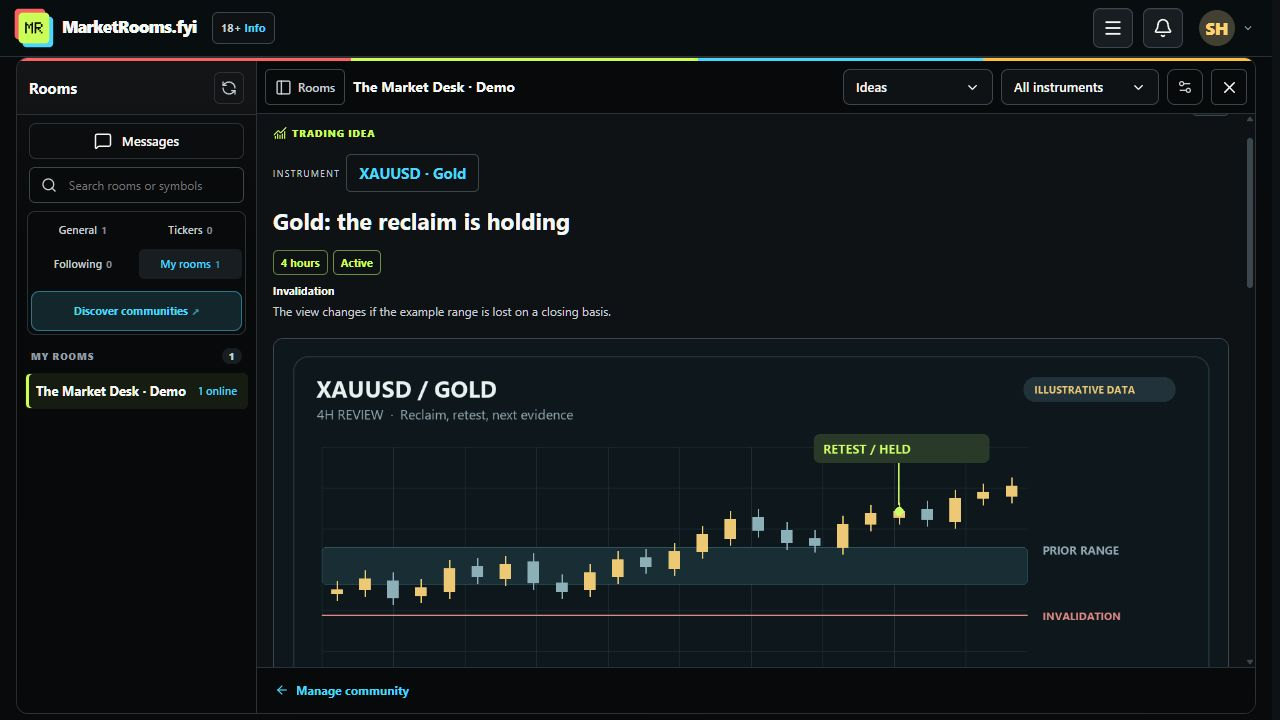
Publish a thesis, instrument, timeframe and invalidation. Add dated follow-ups as the view develops, and let members follow the idea and ask questions in its own discussion.
INSIDE MARKETROOMS
Actual interface captures with demo content. Streaming is labeled as a development preview.
Publish a thesis, instrument, timeframe and invalidation. Add dated follow-ups as the view develops, and let members follow the idea and ask questions in its own discussion.
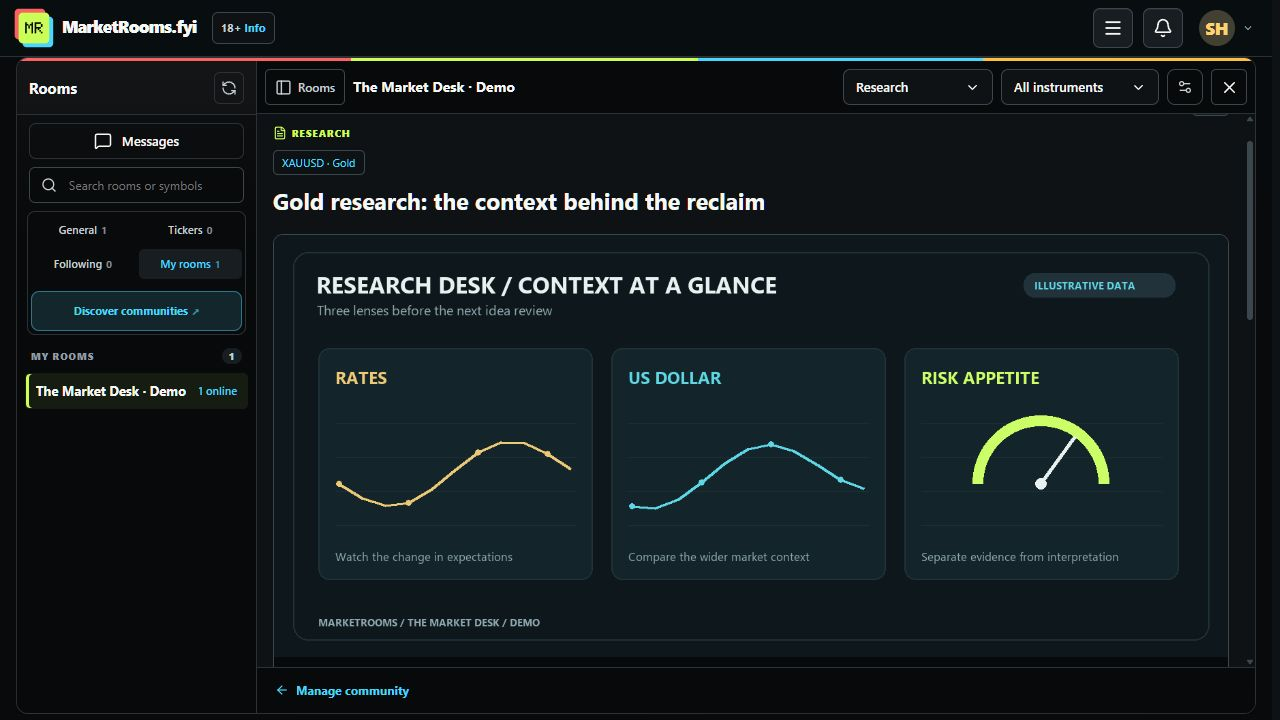
Give analysis a home beyond the chat scroll. Share supporting charts, PDFs, videos and files, organize them by instrument, and keep questions beside the original material.
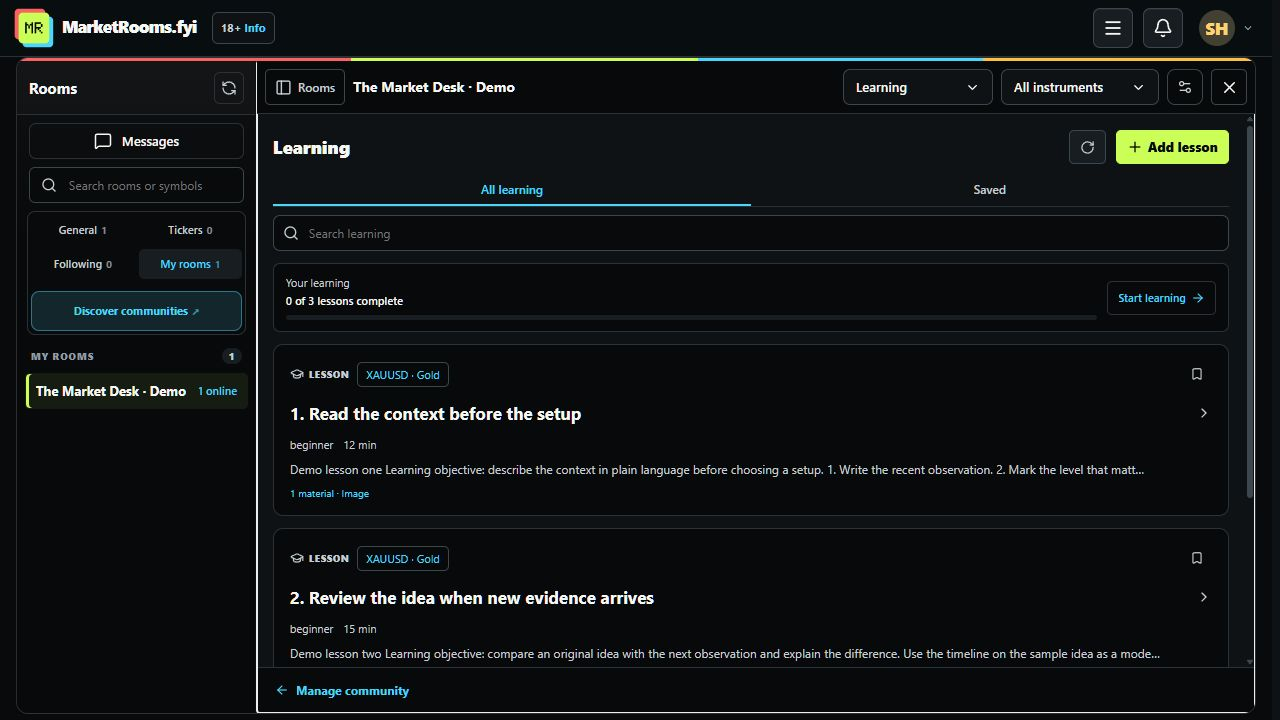
Work through lessons in order, save useful material, and mark lessons complete. Your community’s Learning section keeps the next step and your progress visible.
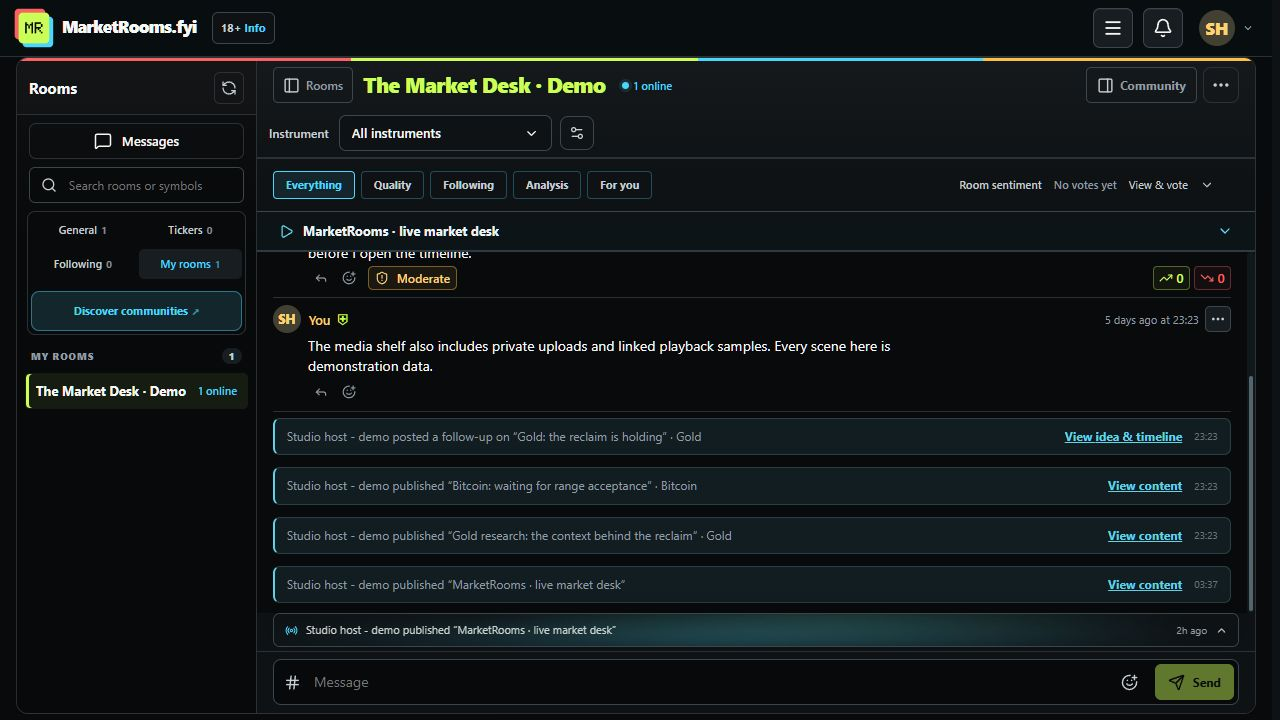
New content and idea follow-ups appear in community chat. Open the original item, filter by instrument, and choose a discussion from the compact # picker. Replies keep their original destination.
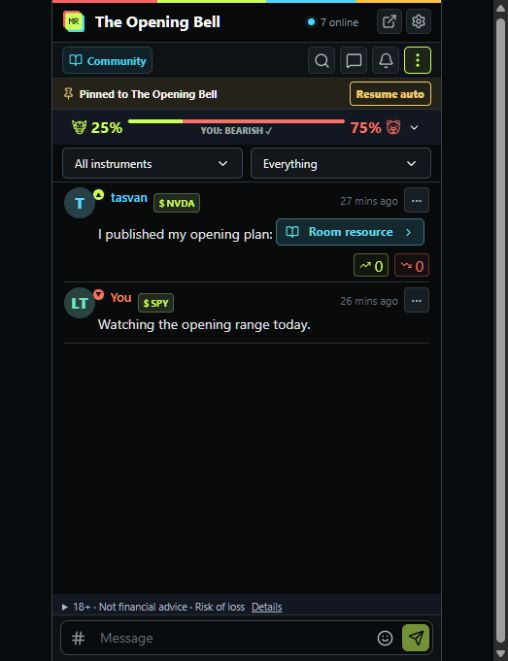
Use the web app on its own, or keep the browser extension beside your trading platform. Pin a community, browse its content, and keep the message composer usable in a compact panel.
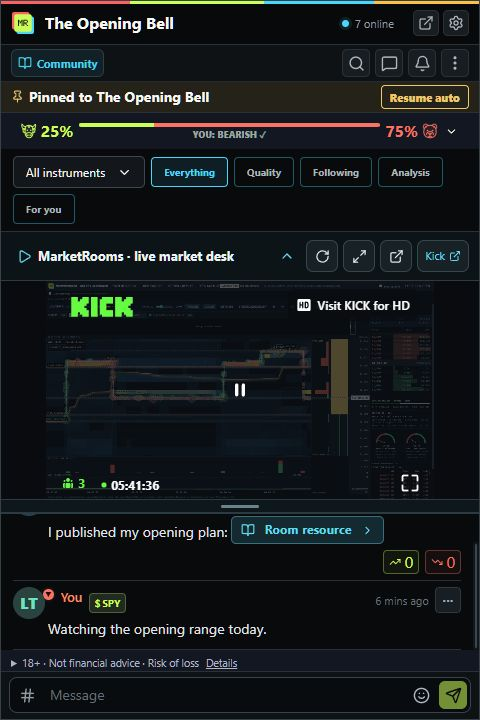
In development: embed a public Kick channel, collapse or resize the player, and open it in a separate window. Hosts can show their own channel or another broadcaster’s. Public Kick streams remain public inside private communities. Protected paid-community playback and recordings still require provider setup and live testing.
See new work in chat. Open it and join the conversation.
Captured from the working product on 17 October 2026, using demo accounts and illustrative market content. These are real interface captures. Some interface refinements are unreleased; streaming is a development preview. Availability can differ by installed extension version. Open any screenshot for the full view.
Save material for later, follow evolving ideas, and choose chat or content notifications for your room. Account defaults and room settings apply across the website and extension. A muted indicator explains what is muted and opens notification controls.
Publish updates, ideas, research, sessions, lessons and resources. Reuse your instrument list, prepare private drafts, and publish when ready. Members can join free or paid communities according to the host’s access settings.