
Market sentiment
See whether the room is leaning bullish or bearish.
LIVE CHAT FOR TRADERS


Free. Analytics off by default. Check screenshots before posting: positions and balances may be visible.
 Web + extension
How it works
Find people discussing the same market without leaving your chart.
Uses public chart details
Click MarketRooms in your browser toolbar to open the chat beside your chart.

MarketRooms reads the chart's public market details to find a matching room. Open Rooms to browse ticker conversations, including NVDA.

Change the market on your chart and MarketRooms automatically opens its matching room and conversation.
See it in action
MarketRooms works beside charts across browsers and trading platforms. With chart following enabled, it detects the active market and opens its matching room as you switch charts.
Live on Chrome, Brave, Edge, and Firefox.
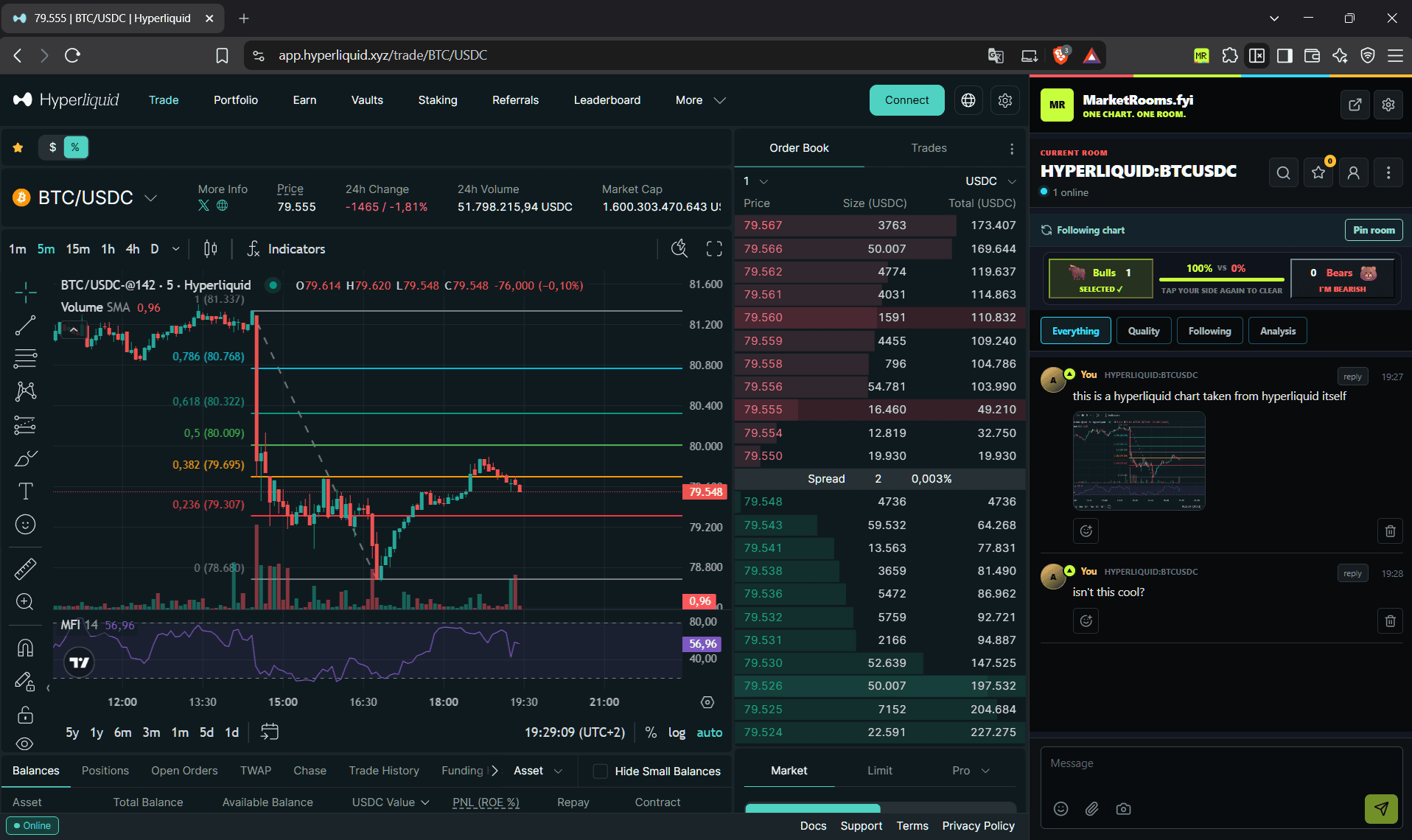
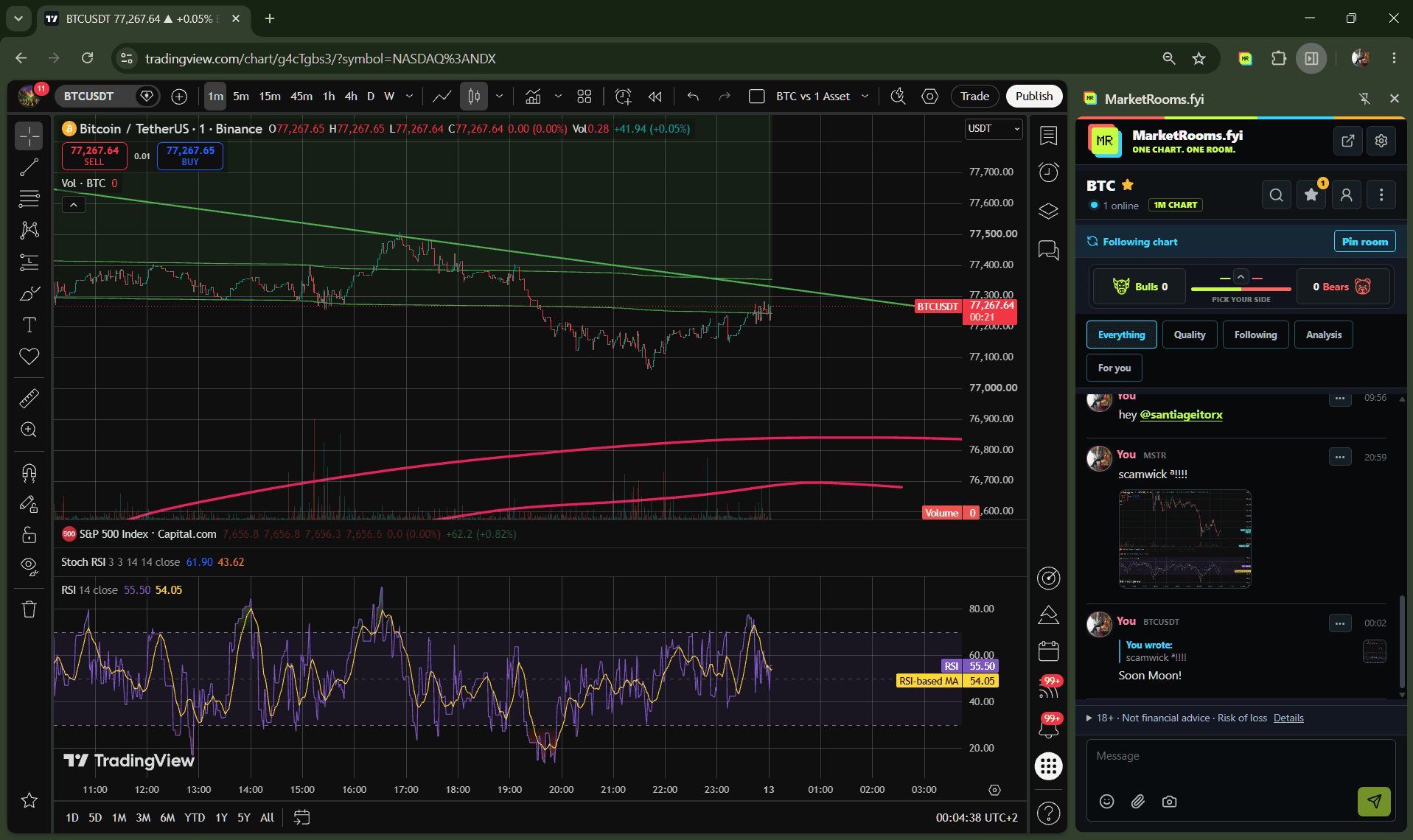
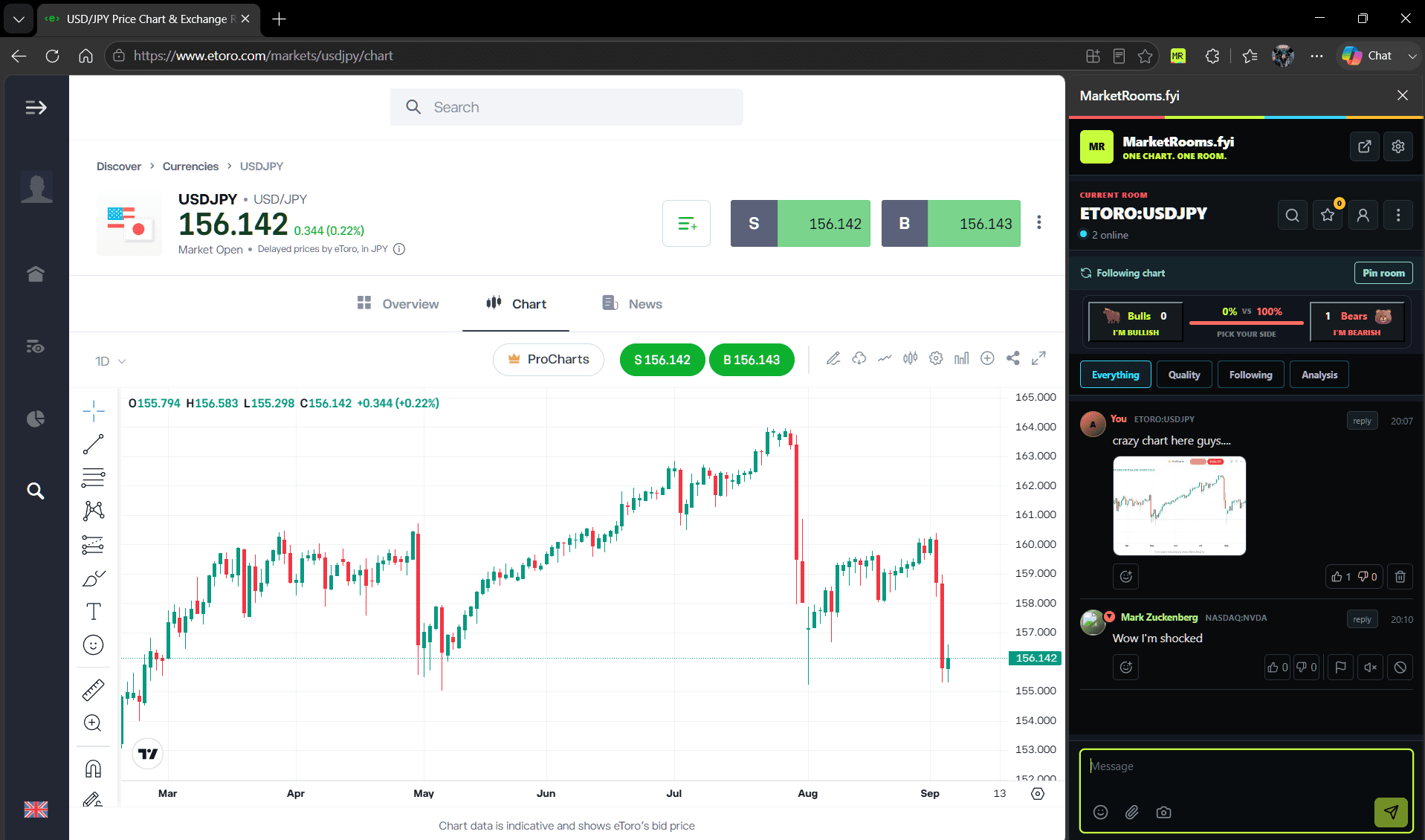
The steps above show the current extension panel with fictional room messages. These browser/platform captures are earlier examples, so the panel may look different today.
Inside the room
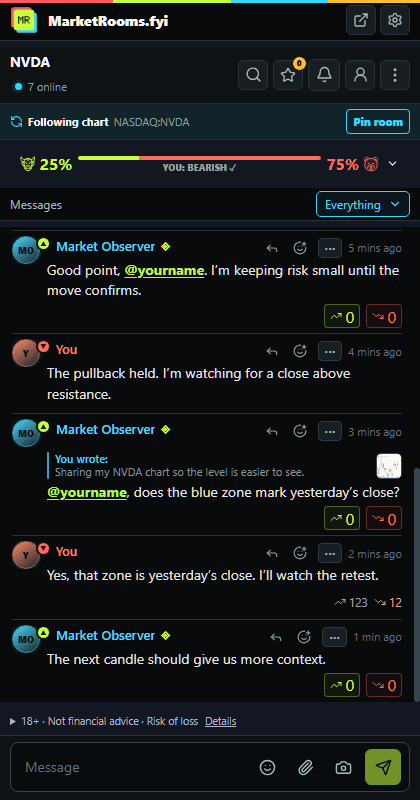
See whether the room is leaning bullish or bearish.
Browse all messages, analysis, or posts from traders you follow.
Reply to a message and vote on contributions you find helpful.
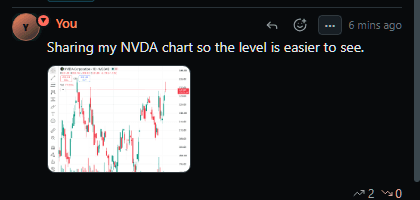
Review and cover private details, then share your chart in the conversation.
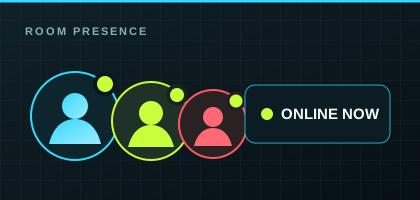
See who is in the room right now.
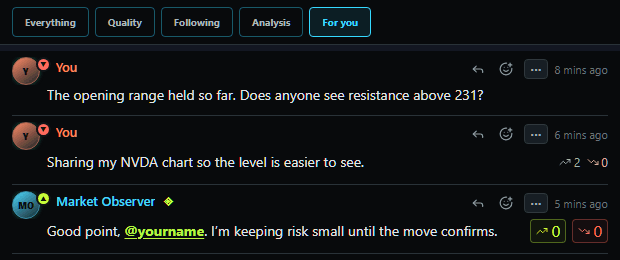
Find messages that mention you and your own posts.
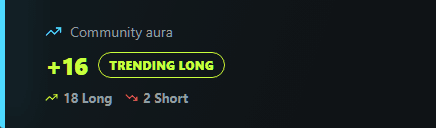
See a trader’s cumulative Long and Short votes on their profile.
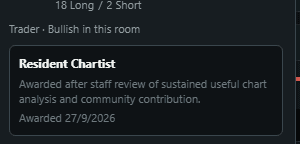
Staff-reviewed designation for sustained, useful chart analysis.
Replies, emoji, follows, blocks, mutes, and reports are built in.
Community aura
Aura is your community reputation, based on other traders’ votes on your messages. It reflects community feedback, not verified trading results.
AURA AT A GLANCE
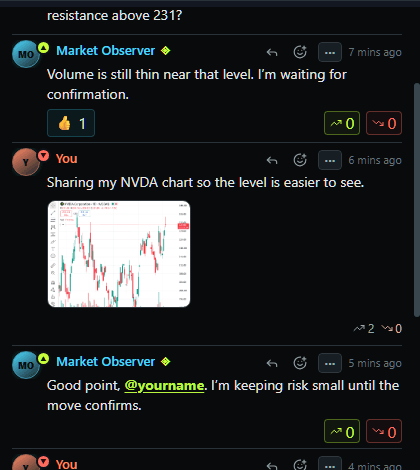
Use Long for helpful contributions and Short for unhelpful ones.
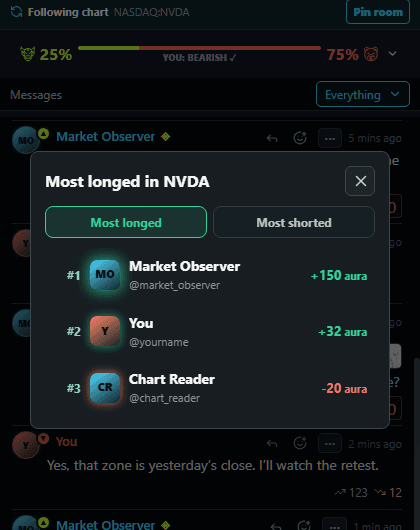
Find traders with the highest community scores.
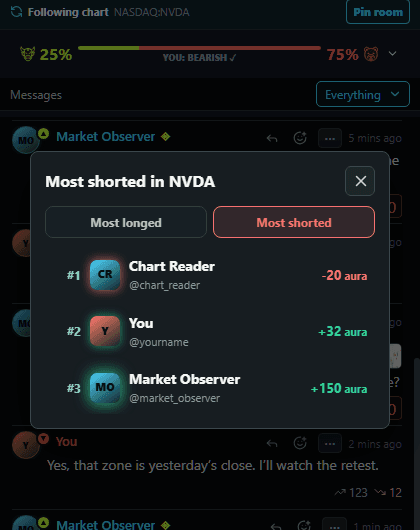
See lower community scores too.
THE COMMUNITY, IN ACTION
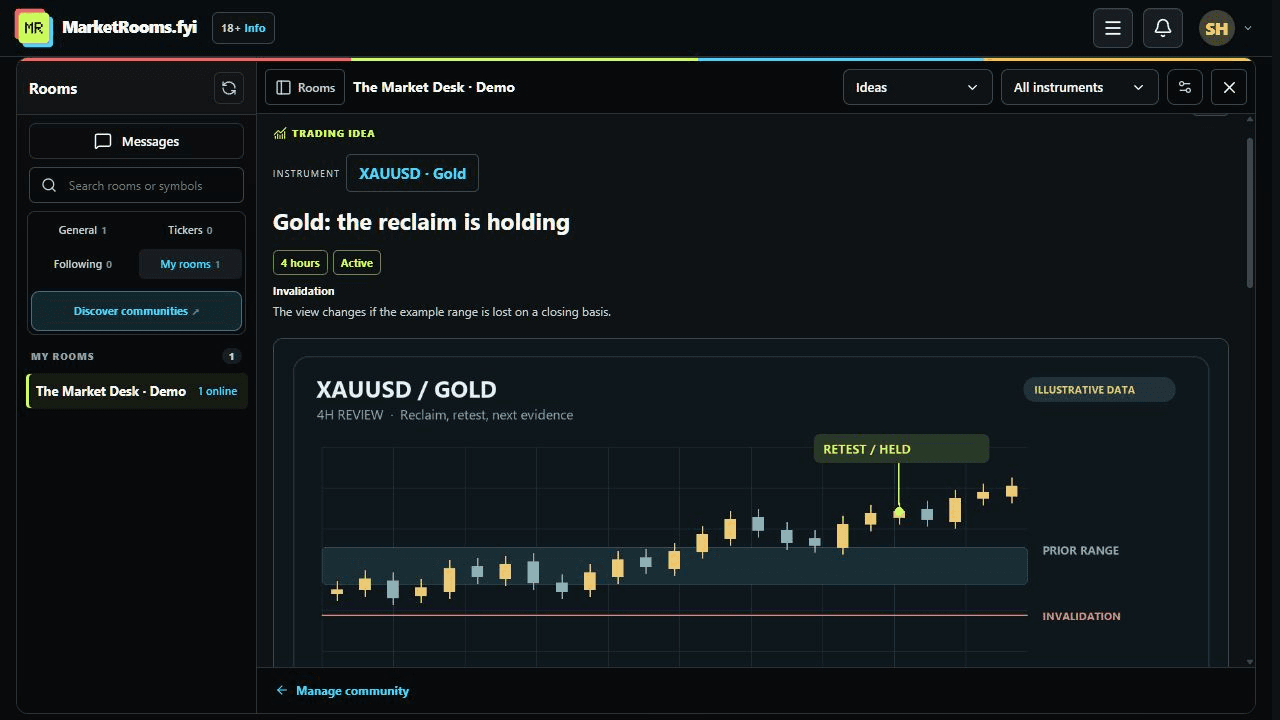
Pick a market. Read the idea. Follow its updates and ask questions.
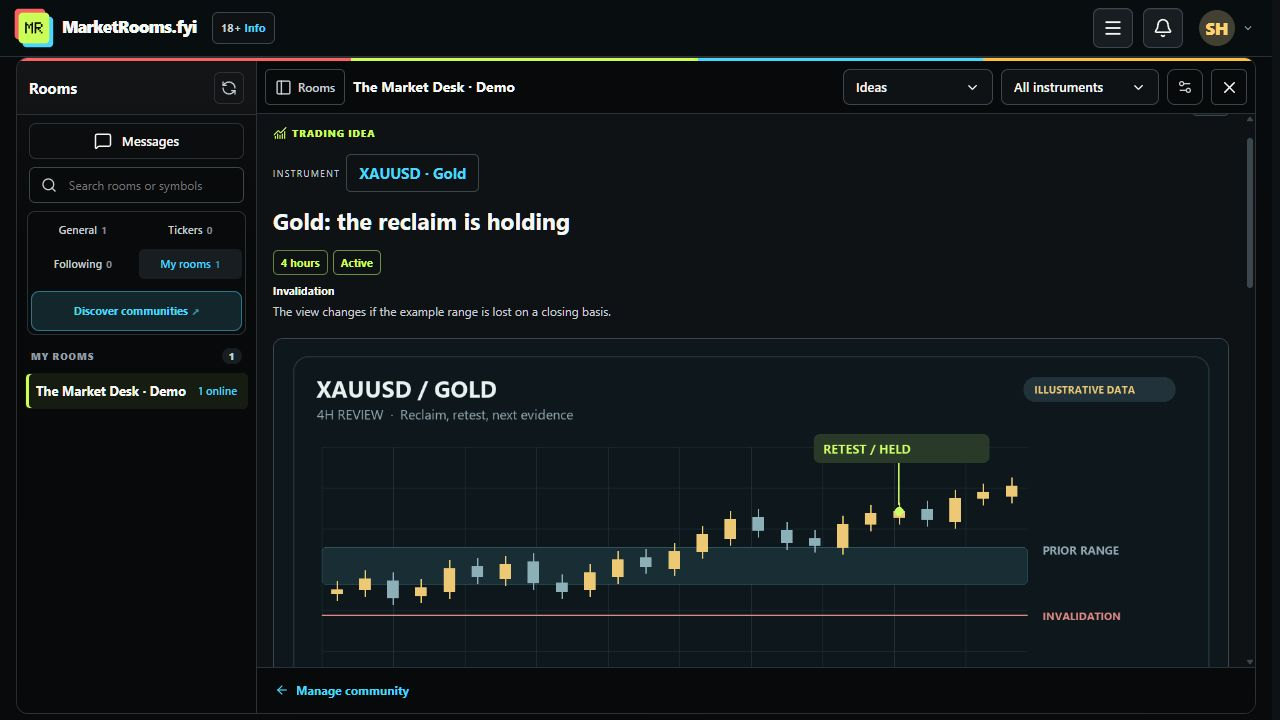
Publish a thesis, instrument, timeframe and invalidation. Add dated follow-ups as the view develops, and let members follow the idea and ask questions in its own discussion.
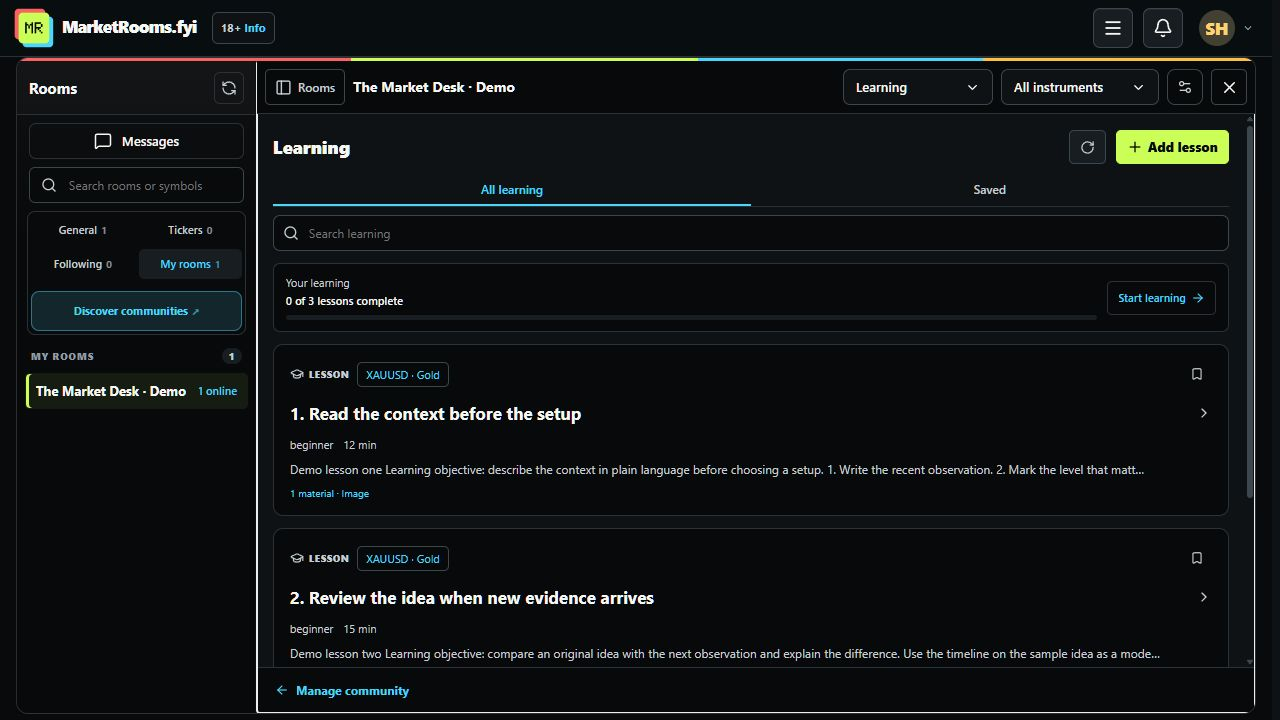
Work through lessons in order, save useful material, and mark lessons complete. Your community’s Learning section keeps the next step and your progress visible.
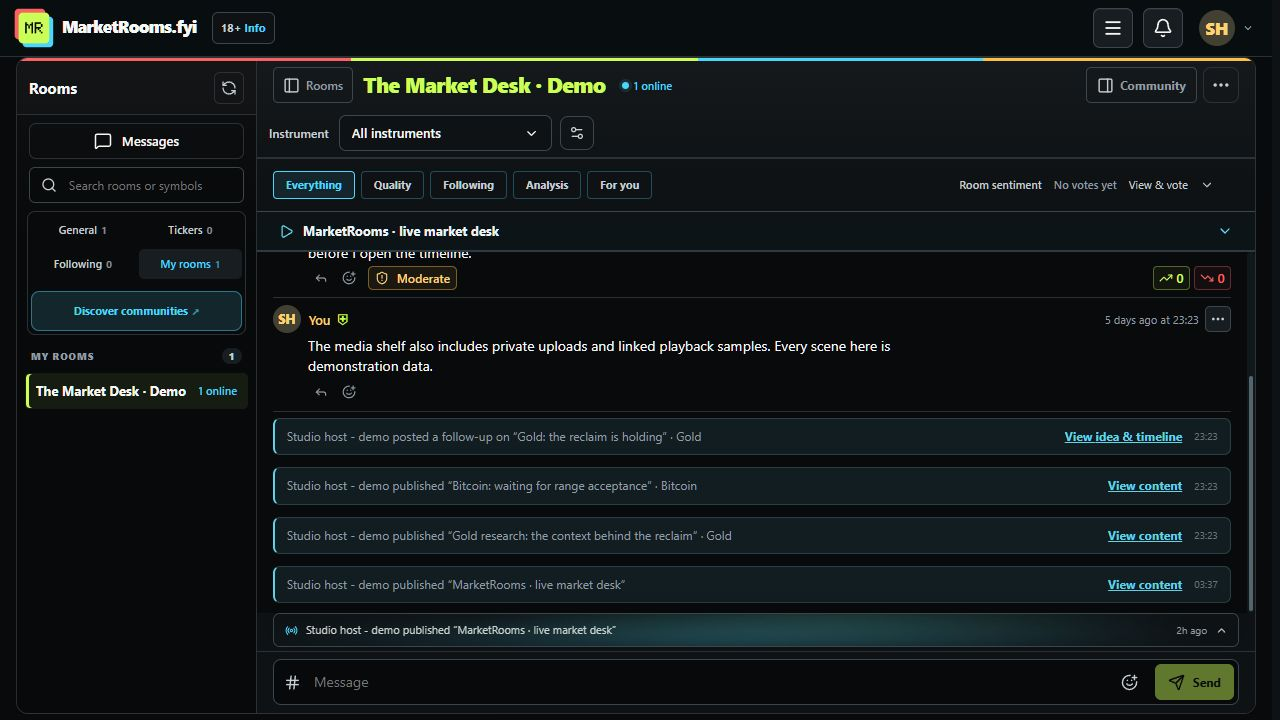
New content and idea follow-ups appear in community chat. Open the original item, filter by instrument, and choose a discussion from the compact # picker. Replies keep their original destination.
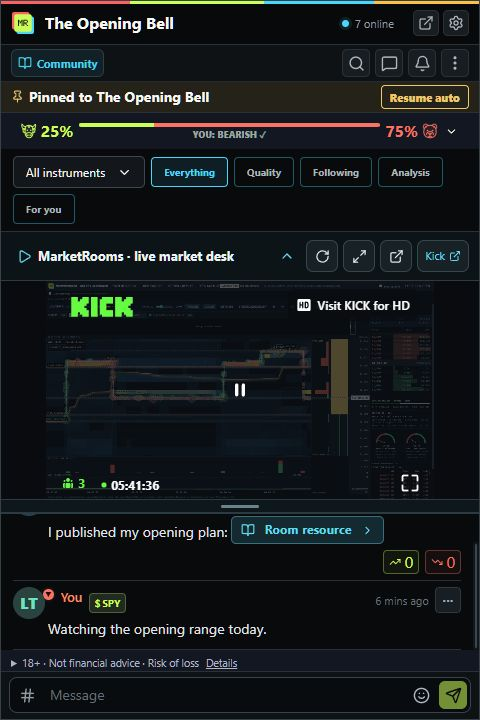
In development: embed a public Kick channel, collapse or resize the player, and open it in a separate window. Hosts can show their own channel or another broadcaster’s. Public Kick streams remain public inside private communities. Protected paid-community playback and recordings still require provider setup and live testing.
See new work in chat. Open it and join the conversation.
Captured from the working product on 17 October 2026, using demo accounts and illustrative market content. These are real interface captures. Some interface refinements are unreleased; streaming is a development preview. Availability can differ by installed extension version. Open any screenshot for the full view.
People and rooms
Privacy and moderation
You choose which trading sites the extension can access. Analytics stay off unless you enable them. Block or mute people, report messages, and appeal moderation decisions.
FAQ
Install MarketRooms for Chrome, Brave, Edge or Firefox. It supports TradingView, Hyperliquid, eToro, Binance, Bybit, OKX, Kraken Pro and Coinbase Advanced. Alongside spot markets on the exchanges, supported perpetuals include Binance USDT/USDC, Bybit USDT, OKX USDT swaps, Kraken Pro USD and Coinbase Advanced international (INTX) markets. Enable your platform's optional page access in extension settings. Features depend on your installed version; store updates may arrive at different times.
To find your room, MarketRooms reads the chart’s symbol, trading platform, market type and page URL. Screenshots you take can include visible orders, positions, balances and account details. Use the editor to crop and cover private details, then check the image before sharing.
The matching public room follows automatically unless you pin a room to stay there.
No. MarketRooms hosts public community conversation; it does not provide financial advice.
The extension and public web chat are free. Hosts can offer free or paid communities; check a community’s access terms before joining.
No. MarketRooms does not sell user data or use it for advertising.
Install from the Chrome Web Store for Chrome, Brave, and Edge, or from Firefox Add-ons. You can also use the web chat without installing anything.
Get started
Install MarketRooms on Chrome, Brave, Edge, or Firefox and bring the conversation beside your chart.
MarketRooms.fyi is an independent community extension. It is not affiliated with or endorsed by the charting or trading platforms it supports. 18+ only. Community discussion is not financial advice. Do not rely on chat for investment decisions.